Guide
Read your runs from an AI assistant
Connect OKShip to an AI assistant that supports MCP, then ask about your apps and runs in plain words: which runs failed, what a run found, where the replay is.
Before you start
- An OKShip account on a team. Any role can connect, including viewers.
- An AI assistant that can add a remote MCP server by its address and sign in to it.
Connect your assistant
1. Add OKShip as a connector
In your assistant's connector or MCP settings, add a new server with this address:
https://okship.dev/api/mcp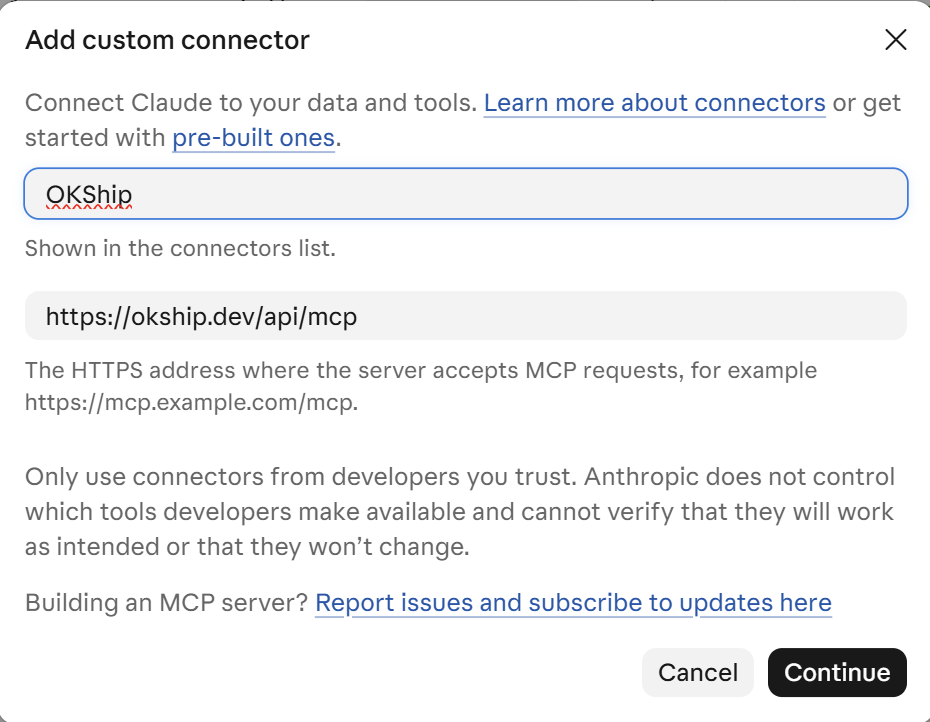
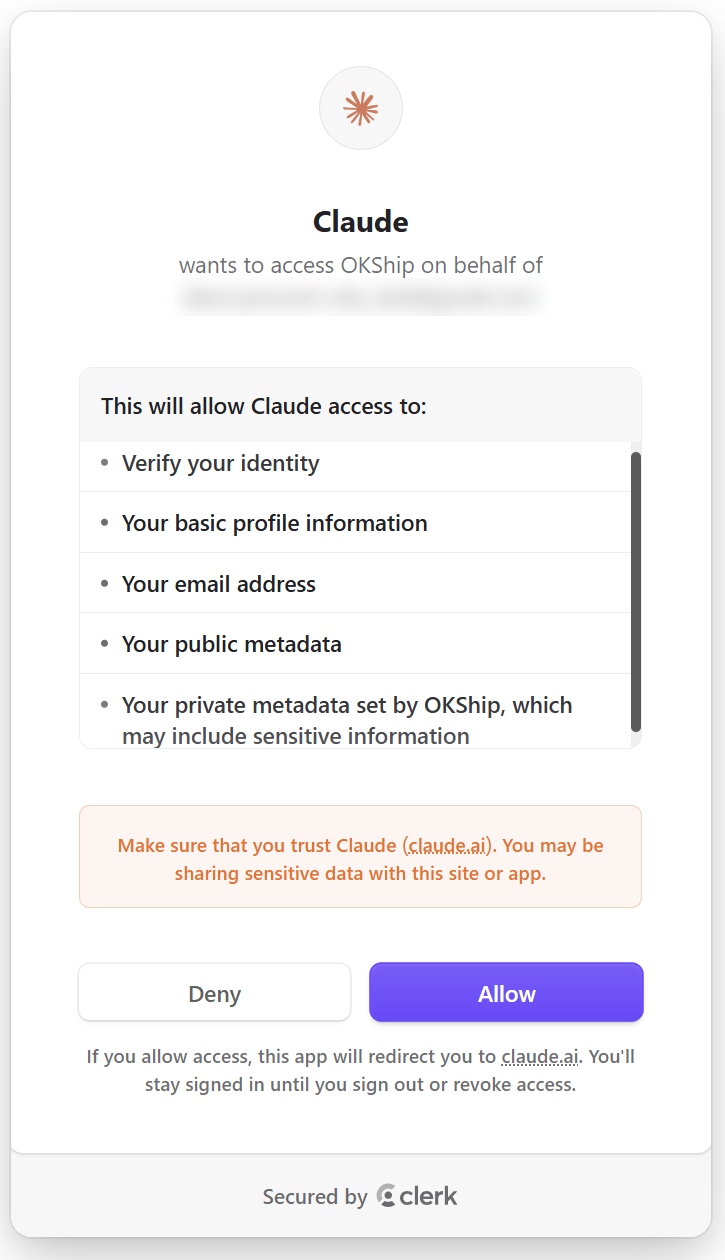
2. Sign in with your OKShip account
Your assistant sends you to OKShip to sign in. Sign in, and approve access if you're asked. Your assistant never sees your password.
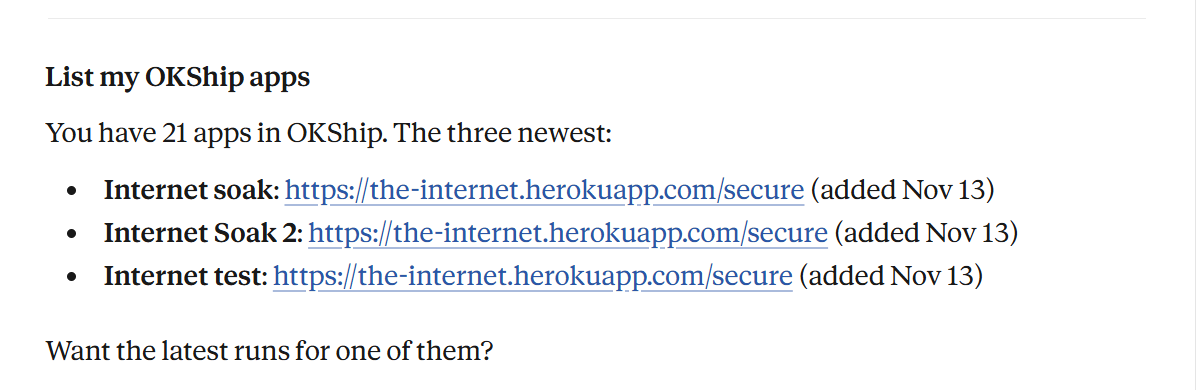
3. Ask it something
Try: "List my OKShip apps."
What it can read
The connection is read-only. Your assistant can't start runs, change anything or share anything. It has four tools:
- List apps: your team's apps, with their names and addresses.
- List runs: runs for your team or for one app, newest first.
- Get run: one run, with each goal's result and its steps.
- Get run artifacts: links to the run's replay video and step screenshots. The links expire.
Every answer marks where each piece came from: recorded by OKShip, judged by the model, or written by your team. A verdict is the model's judgment, not a measurement.
One team at a time
Each request your assistant makes reads one OKShip team, never several.
If you're on more than one team, it reads the team you signed in for. If no team was chosen at sign-in, it reads the team you last used in OKShip, or your first team if you're no longer on that one.
Security
See it on your own site
Point OKShip at your site, write what a user should be able to do, and get a report and a link you can send.
Try it for free